
AIExperimentationPlatform:ModelForge
AcentralAIworkbenchforaUScustomerservicetechnologycompanywhoseteamswerealltestingAItoolsontheirown.ModelForgegivesthemoneplacetocomparemodels,trynewideas,andmovethewinnersintoproduction.Prototypinggot40%fasteranddeployment50%faster.
Who is the client and what was going wrong?
The client is a US company that sells customer service technology around the world. Its AI chat products are used by large businesses in banking, telecom, and e-commerce. To keep those products getting better, its internal teams needed a way to try out new AI tools, from large language models to multimodal AI for text, images, and video.
The trouble was that every team experimented on its own. Each group tested tools separately, so the same work got done twice, nothing was standardized, and good prototypes had a hard time becoming real features that customers could use.
The client saw that it needed one shared solution and came to Xpiderz for our AI experience. Our task was to build a platform that could scale and bring order, speed, and reliability to the company's AI work. We called it ModelForge.
What made this project hard?
The hard part was how many different AI use cases the platform had to support. Product teams needed infrastructure for FAQ automation, knowledge retrieval, document processing, and even image and video generation.
One system had to be flexible enough to cover all of that. At the same time it had to scale, stay secure, keep costs under control, and be easy enough that teams would actually want to use it.
How does ModelForge work?
We built a central AI integration platform. Teams use it to evaluate new AI features, compare them, and deploy them in a way that is secure and scales.
Two ideas shaped the design. Experimenting should be simple, and going from a prototype to production should be smooth. A good idea should not die because shipping it is too much work.
Under the hood, ModelForge has six working parts:
-
One Environment for AI Models
Before, a team had to set up its own environment every time it wanted to test a new model. That was slow and never quite the same twice. We built a shared interface where teams can plug in different LLMs, such as GPT, Claude, and Mistral, and compare them side by side. They pick the one that does best for their task, which might be answering FAQs, writing content, or analyzing text.
-
Knowledge Retrieval
Customer support needs correct answers pulled from large and mixed data sources. We designed flexible retrieval pipelines that combine vector search, which finds information with a similar meaning, and keyword search, which adds precision. This hybrid approach gives more reliable results on FAQs, product manuals, and enterprise databases. Teams can also query structured data directly to test things like account lookups and policy retrieval.
-
Document Processing
A lot of customer conversations depend on what is written in documents. The platform handles PDFs, Word, Excel, and HTML, with OCR for scanned files. It splits documents into sections, pulls out key metadata, summarizes long reports, and recognizes entities like names and numbers. Teams can prototype document Q&A or contract analysis without building a document pipeline from scratch.
-
Multimodal AI
Visual content is becoming part of customer service too. We integrated CLIP for smart image retrieval and connected the platform to video tools such as Sora and KlingAI. This opens the door to future products that explain a task with a generated video tutorial, or help a user find information by uploading a picture.
-
Deployment and Scaling
One of the client's biggest frustrations was that successful experiments often got stuck before production. We automated deployment with Terraform and tied it into the AWS infrastructure. Teams can now copy an experimental setup into a production environment in a few steps, so the move is quick, reliable, and secure.
-
Monitoring and Debugging
We added real-time monitoring and debugging with Langfuse. Teams can see how the AI agents make their decisions. With that view they understand how the system behaves, tune workflows, catch errors early, and keep improving performance.
What can teams do with it now?
To make innovation more even from team to team, we put a framework in place that covers the full AI experiment cycle. It gives teams the freedom to:
- Test and benchmark models quickly, and compare how they perform on different use cases.
- Automate document analysis and knowledge retrieval, with better efficiency and precision.
- Try both text and visual AI, so new ideas get explored more widely.
- Move winning prototypes into production with very little rework.
Measured Results
What do the numbers say?
What changed once every AI team worked from the same platform.
What changed for the company?
The client now has one AI environment that brings experimenting, evaluating, and deploying together. The company went from one-off experiments to steady, continuous innovation.
- Teams work together. They share results and reuse proven components, and no longer rebuild a pipeline for every new idea.
- No more duplicate work. All AI projects now follow the same consistent approach.
- Features reach customers sooner. With a shared platform and a clear path to production, the client can scale its AI development and stay a leader in customer service technology.
Are your AI experiments stuck before production?
Tell us how your teams test and ship AI today. We reply within 48 hours, and everything you share stays confidential.
K2X Auto
Multi-tenant AI voice-calling platform automating seller prospecting for Australian real-estate agencies.
InsightsBot
AI-powered marketing analytics platform that reduced reporting time by 90% and doubled client capacity.
Harbinger AI
Full-spectrum market intelligence platform monitoring competitive signals across six data dimensions.
Sokrateque
AI-powered personal research assistant for Master's and PhD students.
Eona
Conversational AI solution automating customer engagement through WhatsApp in the UAE market.
INPRO AI Legal
AI-powered legal consultation platform democratizing access to affordable legal guidance.
LAWEP
The world's first AI platform for legislative drafting and policy research.
Hive AI
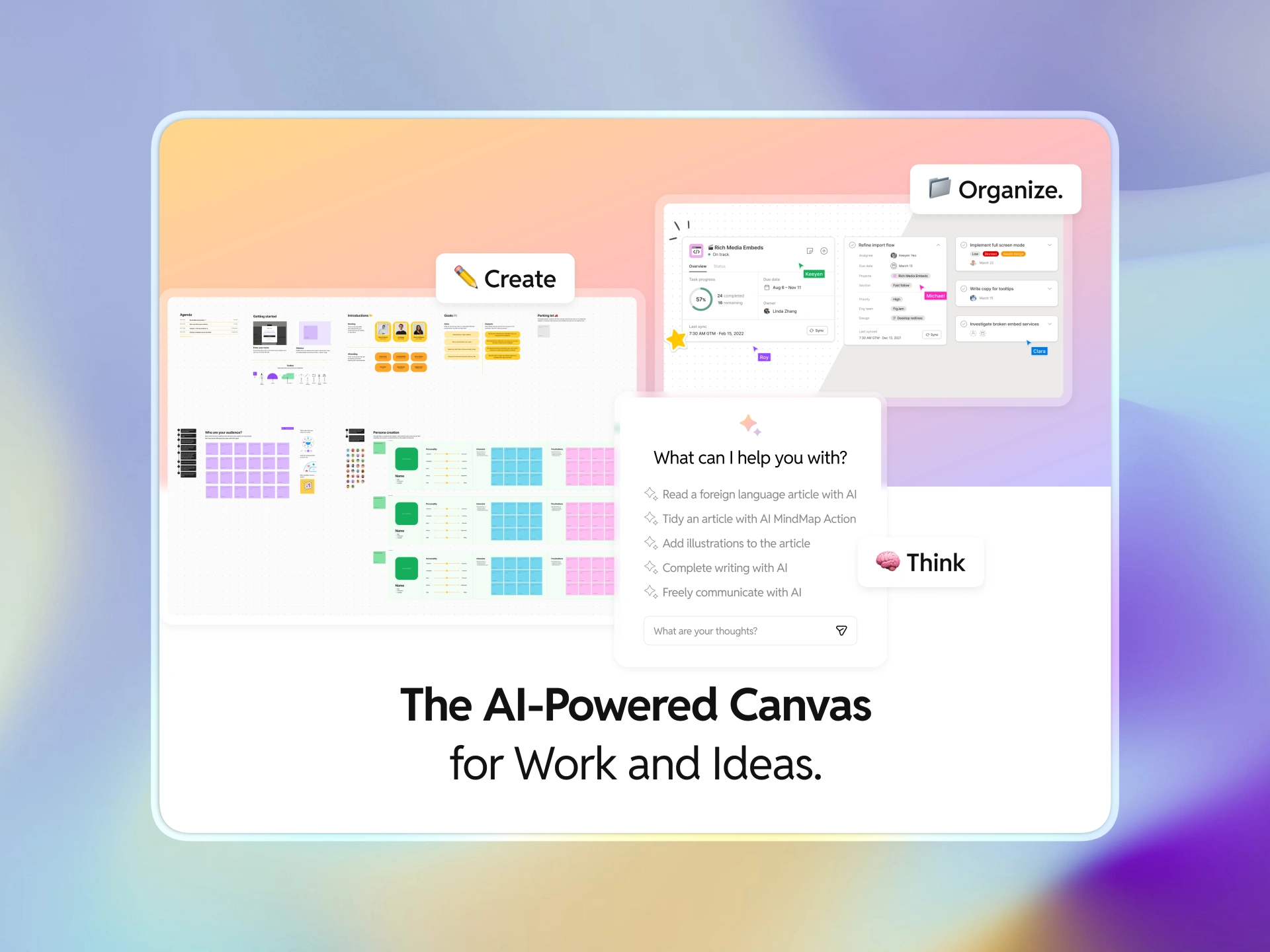
Product marketing deck for YaseenAI's Hive — the AI-powered canvas for work and ideas.

DealerDesk
AI support assistant answering dealer install questions in seconds, trained on manuals and years of real tickets.

TalentLoop
Cloud-native recruitment CRM unifying matching, scheduling, placements, payroll, and invoicing for a US staffing agency.

CareGraph
HIPAA-compliant multi-agent clinical assistant giving clinicians patient data and guideline suggestions inside the EHR workflow.

ThreadMind
Agentic RAG chatbot turning years of scattered Slack logs into a secure, searchable corporate brain for an EdTech company.

FormSense
AI document engine reading patient enrollment forms from any manufacturer, cutting processing time by 90% for a US healthcare tech provider.

HazardLens
AI hazard detection reading camera images from elderly care facilities and flagging risks like water spills with 98% accuracy.

DeskMate
Secure AI support assistant answering employee questions inside Google Workspace, making ticket resolution 70% faster for a US technology enterprise.

OmniSeek
All-in-one AI search engine for a healthtech enterprise, searching SQL data, documents, and images in plain English with 90% better relevance.